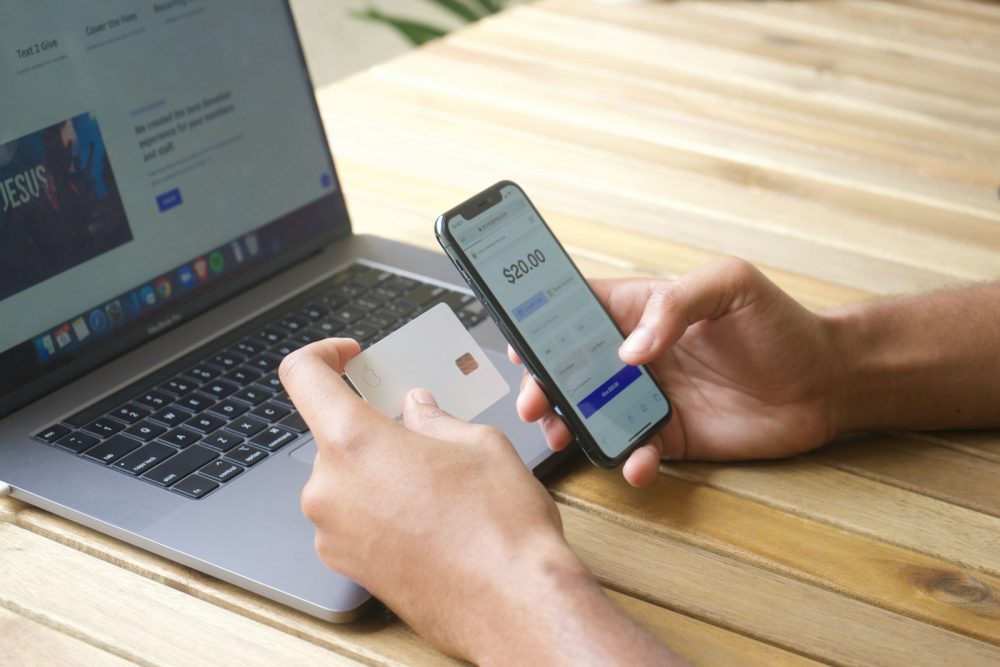
Subscriptions are convenient until you’re paying for five services you forgot about. A little organisation keeps them working for you.
Quick summary
- Before starting a free trial, check when it ends, what it will cost afterwards and how to cancel.
- The ACCC has warned consumers about ‘subscription traps’, where a trial rolls into a paid plan that’s hard to leave.
- Keep a list of your subscriptions with renewal dates, and set a reminder before each trial ends.
- Cancel through the same place you signed up, such as the website or your phone’s app store, and keep the confirmation.
- If a business won’t cooperate, contact your bank or card provider and your state or territory consumer protection agency.
Streaming, music, cloud storage, apps, news, fitness: subscriptions add up quickly, and free trials make it easy to sign up without thinking. The goal isn’t to avoid subscriptions altogether, just to make sure you’re only paying for what you use.
Before you start a free trial
Check four things:
- When does the trial end?
- What will you be charged afterwards, and how often?
- How do you cancel, and is there a notice period?
- Will the plan renew automatically at the end of each term?
The ACCC has warned consumers about “subscription traps,” where a free trial requiring payment details rolls into a paid plan that’s hard to get out of. It advises checking the conditions and fees of any ongoing membership before signing up, because important terms can be buried in fine print.
Handy tip
Set a calendar reminder for two days before a free trial ends. If you’re not using the service, cancel then; most trials keep running until the end date even after you cancel.
Keep track of what you pay for
Make a simple list:
| Service | Cost | Billing cycle | Renewal date | Paid through |
|---|---|---|---|---|
| Example streaming service | $X | Monthly | 12th | App store |
Check your bank and card statements once a month for recurring charges you don’t recognise. Your phone’s app store settings also show subscriptions bought through it.
Cancelling properly
- Cancel where you signed up. Subscriptions bought through an app store are cancelled in your app store account settings, not by deleting the app. Others are cancelled on the provider’s website.
- Keep proof: a confirmation email or screenshot of the cancellation page.
- Check your next statement to make sure the charge has stopped.
When things go wrong
- Contact the business and explain the problem, keeping records of what you send and receive.
- Contact your bank or card provider if you’re charged after cancelling, or if you didn’t authorise a charge. They can explain your options.
- Contact your state or territory consumer protection agency, such as your local fair trading office, for help with disputes.
- Report misleading practices to the ACCC.
Watch for subscription scams
Fake renewal notices claiming to be from well-known services are a common scam, often asking you to “update your payment details.” Don’t click links in these messages; log in through the official app or website instead. Our guide to spotting and reporting scams has more warning signs. And if you pay for cloud storage, our guide to cloud storage explains what you’re actually getting.
Your questions answered
Does deleting an app cancel its subscription?
Usually not. Subscriptions bought through an app store need to be cancelled in your app store account settings, and others on the provider’s website.
Can I get a refund if I forgot to cancel?
It depends on the terms and the business. Ask politely; some providers refund unused periods. If you were misled about the terms, you may have stronger rights under the Australian Consumer Law.
What is a subscription trap?
It’s the ACCC’s term for practices that make subscriptions easy to start but hard to stop, such as free trials that quietly convert to paid plans or complicated cancellation processes.
Should I use a separate card for subscriptions?
Some people use one card, or a virtual card from their bank, for all subscriptions. It makes recurring charges easier to spot and stop.
This guide is general information, not technical or legal advice. If you’ve lost money or personal information, contact your bank, IDCARE on 1800 595 160, or report it through ReportCyber at cyber.gov.au.