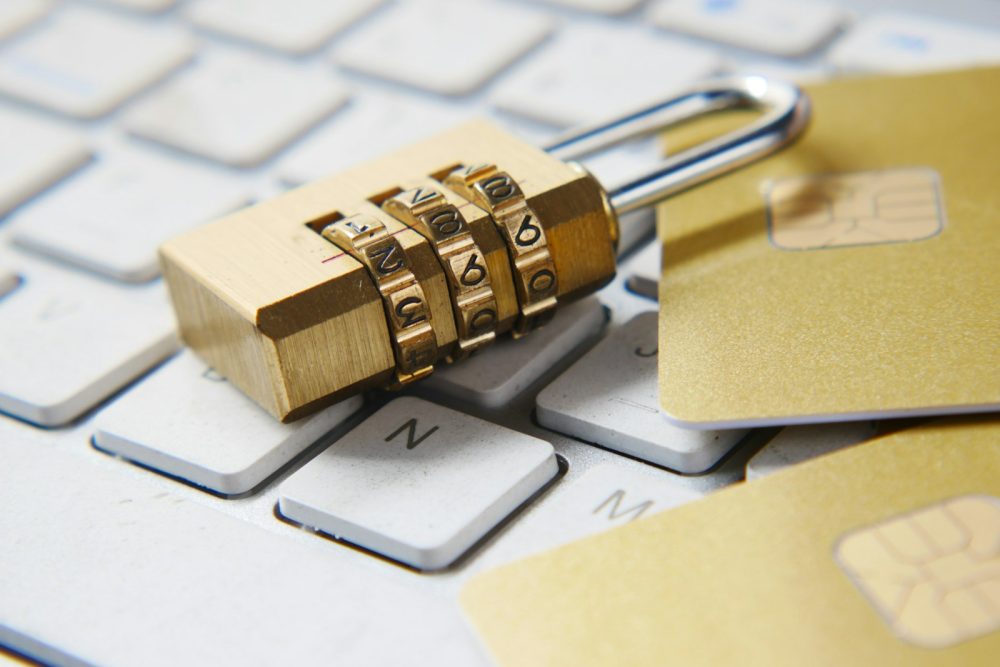
Long beats complicated. A passphrase made of random words is harder to crack and easier to remember than a jumble of symbols.
Quick summary
- A passphrase is a password made of several random words, which makes it long and hard to guess.
- The Australian Cyber Security Centre suggests using four or more random, unrelated words, and its recent guides recommend at least 15 characters.
- Avoid famous quotes, song lyrics and personal details such as names and birthdays.
- Use a different passphrase for every account, so one breach doesn’t unlock the rest.
- If remembering them all is hard, use a password manager protected by a strong passphrase.
Traditional password advice, such as at least eight characters with an uppercase letter, a number and a symbol, produced passwords that are hard to remember and often easy to crack. Security agencies now recommend passphrases instead.
What is a passphrase?
A passphrase is a password made of several words. Because it’s long, it’s much harder for criminals to guess or crack by trying combinations, but it’s still easy for you to remember.
For example, a passphrase built from four unrelated words, such as purple-kettle-harbour-sprint (don’t use this one), is far stronger than a short password like P@ssw0rd!.
The ACSC’s advice
The Australian Cyber Security Centre (ACSC) recommends passphrases that:
- Use four or more random, unrelated words.
- Are at least 15 characters long, according to its recent guides.
- Aren’t famous phrases, such as quotes, sayings or song lyrics.
- Are unique for each account.
How to make a good passphrase
- Pick random words. Words that don’t naturally go together are stronger than a sentence. Picking words from a book page at random, or using a password manager’s generator, helps avoid predictable choices.
- Avoid personal information. Names, pets, birthdays and favourite teams are easy for others to find.
- Add a separator such as a space or hyphen if you like, and a number or symbol if a website requires one.
- Make it memorable to you, for example by picturing a scene that links the words.
Handy tip
Create your most important passphrases first: your email account, then banking, then social media. Your email account is often used to reset other passwords, so it deserves the strongest protection.
One account, one passphrase
When a website is breached, criminals often try the stolen email and password combinations on other sites, a technique known as credential stuffing. If you reuse a passphrase, one breach can unlock several accounts. Using a different passphrase for every account stops that chain reaction.
Remembering them all
Nobody can remember dozens of unique passphrases. The ACSC suggests using a password manager if you struggle to remember them, protected by a strong passphrase of its own. Our guide to password managers explains how they work.
Add a second layer
Even a strong passphrase can be stolen through a scam website or a data breach. Turning on multi-factor authentication means a stolen passphrase alone isn’t enough to get into your account.
Your questions answered
Do I still need symbols and numbers?
Length matters more than complexity. Some websites still require a number or symbol, so add one where needed, but a long passphrase of random words is the main source of strength.
Can I use the same passphrase with small changes?
It’s better not to. Criminals who get one password often try predictable variations on other sites. Each important account deserves its own passphrase.
How often should I change my passphrase?
Change it if you suspect it’s been exposed, for example after a data breach or a scam. Otherwise, a strong, unique passphrase doesn’t need frequent changes.
Is a passphrase enough on its own?
For important accounts, add multi-factor authentication as well. It protects you even if your passphrase is stolen.
This guide is general information, not technical or legal advice. If you’ve lost money or personal information, contact your bank, IDCARE on 1800 595 160, or report it through ReportCyber at cyber.gov.au.